 a774ac673a

Introduction
tldraw is a very good whiteboard for the web. This extension will let you use tldraw inside of VS Code, using offline .tldr files. Create drawings, diagrams, or visual documentation, and then commit the files alongside your code!
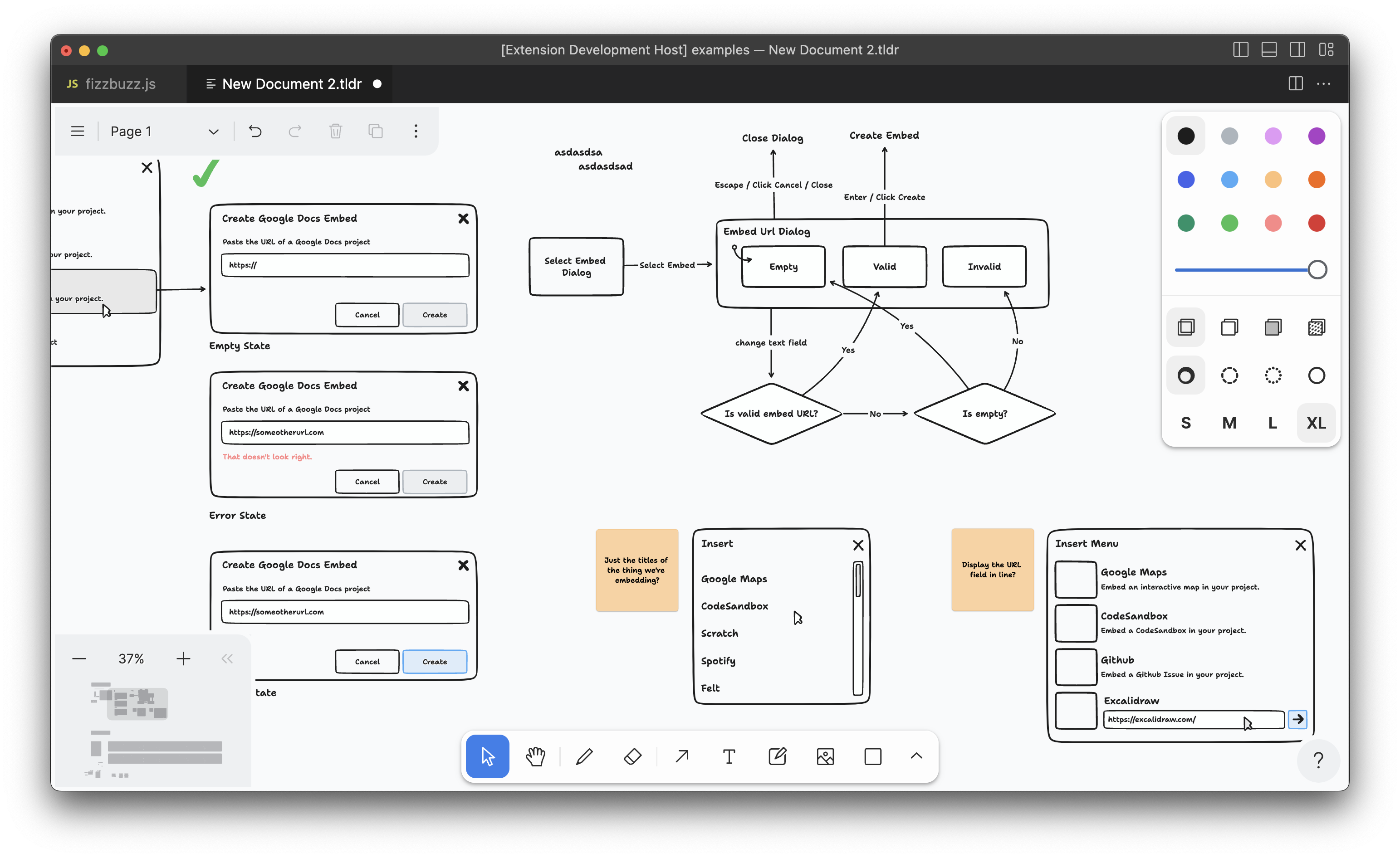
Usage
- To create a new tldraw file, use the provided command: "tldraw: New tldraw File".
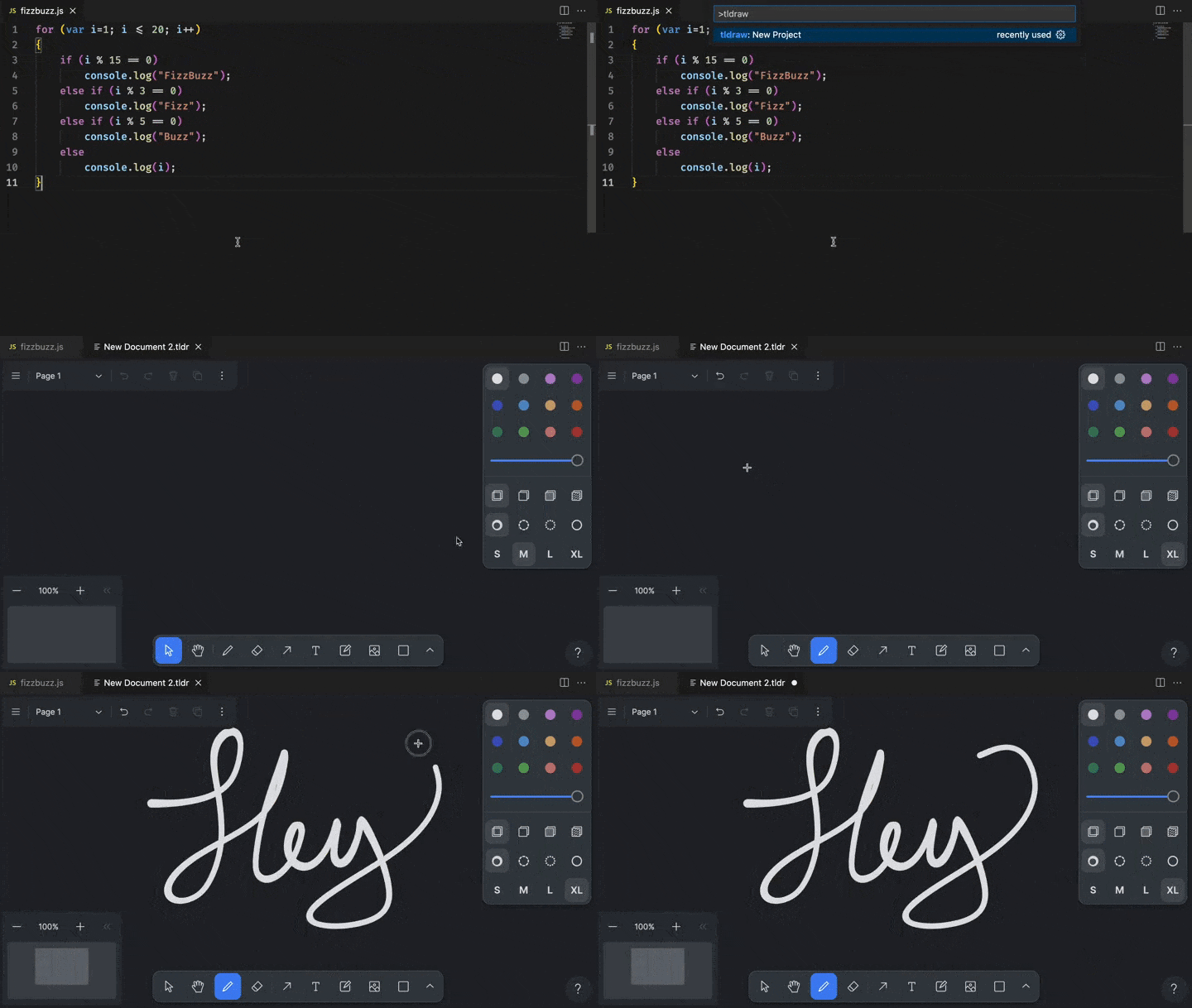
- To view an existing tldraw file, open a file with the
.tldrextension in VS Code.
Tip: The
.tldrfiles you create with this extension can also be opened in the tldraw web app. You can also use this extension to open.tldrfiles saved from the web app.
Releases
This extension is automatically released to the VS Code Marketplace when changes are merged:
- Pre-releases: Merges to
mainbranch trigger pre-release builds - Production releases: Merges to
productionbranch trigger stable releases
Direct Downloads
You can also download the extension directly from our repository:
- Latest Production Release: tldraw-vscode.vsix (from
productionbranch)
To install from a .vsix file:
- Download the file from the link above
- Open VS Code
- Go to Extensions (Ctrl+Shift+X)
- Click the "..." menu and select "Install from VSIX..."
- Select the downloaded
tldraw-vscode.vsixfile
Contribution
Found a bug? Please submit an issue.
License
This project is provided under the MIT license found here. The tldraw SDK is provided under the tldraw license.
Trademarks
Copyright (c) 2024-present tldraw Inc. The tldraw name and logo are trademarks of tldraw. Please see our trademark guidelines for info on acceptable usage.
Contact
Find us on Twitter/X at @tldraw.
Community
Have questions, comments or feedback? Join our discord. For the latest news and release notes, visit tldraw.dev.